What Should Be in a Corporate Video? The 10 Elements, Structures and Checklist
What should be in a corporate video? The 10 elements that get it watched, structure templates by video type, length data, and a pre-production checklist.
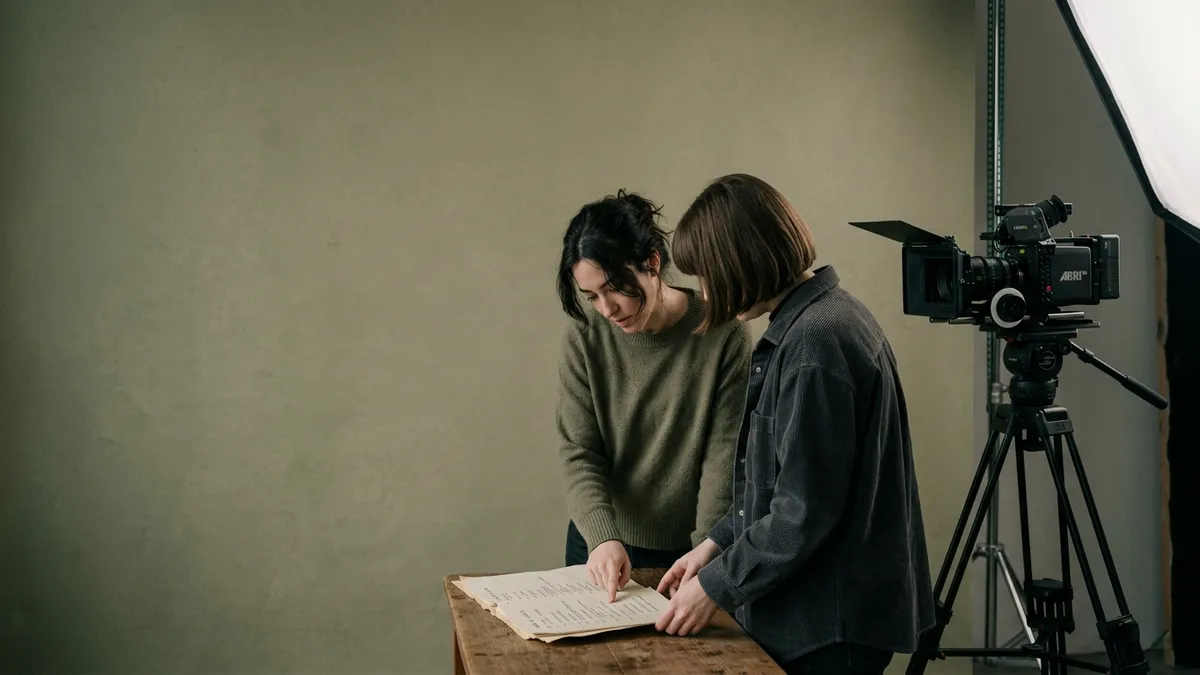
Ask what should be in a corporate video and most answers start with equipment. Start with the viewer instead. A corporate video that gets watched and used contains ten things: one clear objective, a first five seconds that earns the next thirty, a real person on camera, proof rather than claims, a customer's voice, the specific problem you solve, the product or service being used, captions and deliberate sound, a single call to action, and brand applied with restraint. Everything else is production value, and production value cannot rescue a video missing the list.
This guide walks through each element, gives you a structure template for the five most common corporate video types, puts numbers on length, and ends with the pre-production checklist we use before a camera is switched on. If you want the case for the format itself, our sibling post on why corporate video is important covers that; this one is about what goes inside.
What Should Be in a Corporate Video? The 10 Elements
These are in rough order of how often they are missing.
1. One clear objective
A corporate video should do one job: win a meeting, explain a product, fill a role, or make a sales call shorter. The moment a brief says "and also", the video starts serving a committee instead of a viewer. Write it as one sentence with a verb and an audience ("get operations directors at mid-market logistics firms to book a demo") and test every later decision against it.
2. A first five seconds that earns the next thirty
Viewers decide in seconds whether to stay. Open with the sharpest line in the script: the problem stated plainly, a surprising number, or a customer mid-sentence. Not a logo animation, a drone shot of the office, or the words "here at". Let the branding wait until the viewer has a reason to care who you are.
3. A real person on camera
B2B buyers are buying from people, and a face makes an abstract company concrete. That person does not have to be the CEO (see the FAQs), but they do need to sound like themselves. Interview-led delivery, where a producer asks questions off camera and the best answers are cut together, nearly always beats a memorised autocue script.
4. Proof, not claims
"Industry-leading", "innovative" and "trusted partner" are claims. A named customer, a specific outcome, a screenshot of the actual dashboard, or a recognisable logo wall is proof. Wyzowl's 2026 survey found 89% of consumers say video quality affects their trust in a brand, and quality here means credibility as much as resolution. If a sentence in the script could be said by any competitor, replace it with something only you can show.
5. The customer's voice
The most persuasive thing in any corporate video is someone who is not you saying it worked. Thirty seconds of a client describing the before and after does more than three minutes of narration. If you cannot get a customer on camera, a named written quote on screen is the fallback; an anonymous "leading financial services firm" is barely worth the screen time.
6. The specific problem
Corporate videos describe the solution and skip the problem. The viewer needs to recognise their own situation in the first third of the video, in language they would use: late month-end close, field engineers re-keying data, a sales team that cannot explain the product. Specific problems feel true. Generic ones feel like filler because they are.
7. The product or service in use
Show the thing. Software should appear on a real screen doing a real task; a service should be shown being delivered, with the people who deliver it. Stock footage of handshakes and glass buildings signals that the product was too dull or too secret to film. For software and anything intangible, this is where corporate animation earns its place: a clean motion sequence can explain a workflow that would take a live presenter two paragraphs.
8. Captions and deliberate sound
A large share of corporate video is watched muted, in a LinkedIn feed or an open-plan office. Burned-in captions are not optional, and they should be edited rather than pasted from an auto-transcript. Sound matters too: a clean voice recording, a music bed that sits under the dialogue, and a few seconds of silence where a point needs to land. Bad audio is the fastest way to make an expensive video look cheap.
9. A single call to action
One ask, stated once, at the end, matched to the objective. Three asks in the closing frame means the viewer does none of them. The CTA should also match where the video lives: a landing page video ends with the form beside it, a social cut ends with a reason to watch the full version.
10. Brand without logo soup
Brand is the colour grade, the typography on the captions, the tone of the presenter and the music choice. It is not a logo in the corner for three minutes, a sting at each end and a mandatory shot of the reception signage. Applied consistently, the visual system does the work; applied heavily, it pushes the viewer out of the story and back into an advert.
If a line in the script could be said by any competitor, cut it and show something only you can show.
Corporate Video Structure by Type
The ten elements are constant; their order and weighting change with the job. Here is the structure we start from for the five types we make most often across corporate video production projects.
Brand film (60 to 120 seconds)
- Open on a customer or employee describing a moment, not the company
- The problem your market lives with, stated in their words
- Your point of view: what you believe that others do not
- Proof montage: people, product, recognisable customers
- A single line that captures the position, then the CTA
Customer case study (90 to 180 seconds)
- The customer names the problem in the first ten seconds
- What they tried before and why it was not enough
- The decision: why you, in their words
- The product or service in use at their site
- The outcome, with a number if they will give one, then the CTA
Explainer (60 to 150 seconds)
- The problem, framed as a question the viewer has asked
- The idea in one sentence
- How it works, step by step, on screen (live or animated)
- Who it is for and a concrete example
- One CTA, usually "see it running"
Explainers have their own conventions, covered in our guide to explainer videos for B2B.
Recruitment and employer brand (60 to 120 seconds)
- A real employee, first name on screen, mid-thought
- The actual work: what a Tuesday looks like, not the values poster
- Two or three voices with different tenures and roles
- The honest trade-off: what is hard here and why people stay anyway
- CTA to specific open roles, not "careers page"
Event video (45 to 90 seconds)
- Atmosphere in the first five seconds: sound up, crowd, energy
- Three speaker moments that say something, not three applause shots
- Attendee voices on what they took away
- Sponsors and hosts shown once, lightly
- CTA to the next event or the full session recordings
To see these structures finished, our B2B corporate video examples break down real films by type.
How Long Should a Corporate Video Be?
Shorter than the first cut, nearly always. Wistia's 2025 State of Video report, drawn from 14 million videos across 100,000 businesses, found that videos under one minute averaged 50% engagement, one to three minutes 46%, and three to five minutes 45%. The decline is gentle, which is the useful finding: length is not the killer, but every extra minute has to justify itself. The same report found how-to videos held 58% engagement even at five to 30 minutes, because the viewer arrived with a job to do.
Practical rules that follow: brand films and social cuts sit between 60 and 90 seconds; case studies can run to two or three minutes if the customer is good; training and product walkthroughs can be as long as the task requires, provided they are chaptered.
Does Video Actually Change Behaviour?
A fair question, given how many statistics in this category circulate without a source. The best-documented test remains Unbounce's A/B experiment with Vidyard: a landing page converted at 6.5% with no video, 11% with an embedded video and 13% with the video in a lightbox, a 100% lift. It is an old test on a single page, so treat it as evidence that a good video on the right page can double conversion, not a guarantee.
The broader picture is consistent. The Content Marketing Institute's 2025 benchmarks found 76% of B2B marketers used video in the past year and 58% rated it their best-performing content type, ahead of case studies at 53%. The format works. The ten elements are what separate a video that benefits from that from one that merely exists.
The Corporate Video Pre-Production Checklist
Almost every weak corporate video was weak on paper first. This is the checklist we run with clients before a shoot date is confirmed. If any row is blank, the shoot is not ready.
| Item | What good looks like | Owner |
|---|---|---|
| Objective | One sentence, one audience, one verb | Client lead |
| Primary viewer | A named role and the situation they are in when they watch | Client lead |
| Video type and length | Chosen from the structures above, with a target duration | Producer |
| Distribution plan | Where it lives first, and which cuts are needed for each channel | Marketing |
| On-camera people | Confirmed, briefed, and comfortable being interviewed rather than reading | Producer |
| Customer participation | A client booked, with sign-off on what they can say | Client lead |
| Proof assets | Logos, screens, numbers and documents cleared for use | Marketing |
| Script or question list | Interview questions, or a script read aloud and timed | Producer |
| Product access | Demo environment or site access arranged for filming | Client ops |
| Location and sound | Recce done; quiet room or studio confirmed | Producer |
| Brand kit | Fonts, colours, caption style and music direction agreed | Marketing |
| Single CTA | Written, with the destination URL live before delivery | Marketing |
| Approvals | Named sign-off, maximum two rounds, dates in the diary | Client lead |
Mistakes That Sink Otherwise Good Corporate Videos
- Opening with the company. Name, founding year, office count. The viewer came for their problem, not your history.
- Stock footage as a substitute for the product. If the real thing cannot be shown, animate it rather than faking it with handshakes.
- One cut for every channel. A 16:9 two-minute film pasted into a vertical feed is a film most people will not see past the first frame.
- No plan for what happens next. Video on a page nobody visits has done nothing. Distribution belongs in the brief.
FAQs
What should you include in a corporate video?
Include one clear objective, a strong opening five seconds, a real person on camera, proof rather than claims, a customer's voice, the specific problem you solve, the product or service in use, captions and clean sound, a single call to action, and brand applied with restraint. Order and weighting depend on the video type.
How long should a corporate video be?
For brand films and social cuts, 60 to 90 seconds. Case studies can run two to three minutes if the customer is compelling. Wistia's data shows engagement falls only gently from 50% under one minute to 45% at three to five minutes, and how-to content holds up much longer, so length should follow the job the viewer is trying to do rather than a fixed rule.
Do we need a script?
You need a plan; you do not always need a word-for-word script. Explainers and animations are fully scripted because every second is designed. Brand films, case studies and recruitment videos are usually better interview-led: a producer asks prepared questions, and the edit is built from the most natural answers. The question list is the script, and it should be written with the same care.
Should the CEO be in it?
Only if the CEO is the right person for the objective and is good on camera. Leaders setting out a point of view work well in brand films. For explainers a product manager is usually clearer; for recruitment, the people doing the job are more credible. Seniority is not a casting criterion; relevance and ease on camera are.
What does a corporate video cost?
In the UK, a professionally produced corporate video typically sits in the low thousands of pounds for a simple single-day interview piece and rises into the tens of thousands for multi-location brand films with animation and senior crews. The drivers are shoot days, locations, number of cuts, animation and review rounds. Our corporate video production cost guide breaks the ranges down line by line so you can budget before you brief.
How long does production take?
A typical single-shoot corporate video runs four to eight weeks from brief to delivery: one to two weeks of planning, a day or two of filming, two to three weeks of editing, and the rest for reviews. Approval rounds and customer availability are what stretch it; multi-location films and full animation run longer.
Earworm is a video production agency working with B2B brands including KPMG, Experian, Cisco and Soldo from our own Bristol studio and partner studios in London. If you want a second opinion on a brief, a structure or a cut list, see our Bristol corporate video production and London video production pages, or get in touch and we will talk it through.